Block the whole cast before the first rehearsal.
Plan entrances, crossings and stage pictures for every scene, see them from the house in 3D, and hand your cast a chart they can follow.
Who it is for
Directors and choreographers of musicals, plays, show choirs and ceremonies use the same tools that drill designers trust for the field. Place each performer, set the counts, and Pyware 3DX moves everyone from picture to picture so you can see spacing and sight lines before anyone steps on stage.
- Theater directors and stage managers planning blocking
- Choreographers staging musical numbers
- Show choirs, ceremonies and pageants with a cast to move
- Teachers who want students to see their spot before rehearsal
The tools that matter here.
A stage you can see from the house
Write on a stage venue in 3D, then turn the camera to any seat to check sight lines and stage pictures.
Your stage, your measurements
Draw your own stage size in feet or metres with the Grid Designer, with lines where you need them.
Scene by scene, count by count
Each stage picture is a set on the count track. Pyware moves every performer between them and plays it back with your music.
Levels, risers and costumes
Add podiums, stairs, ramps and benches for levels, and cloaks, skirts, masks and hats to tell characters apart.
Poses that read on stage
Put kneels, leans, open positions and layered poses on the holds so the picture looks like the scene.
Charts the cast can use
Print charts and coordinate sheets for every set, record a video of the scene, or send it to performers with Export to UDB.
The showcase: an Act 1 finale
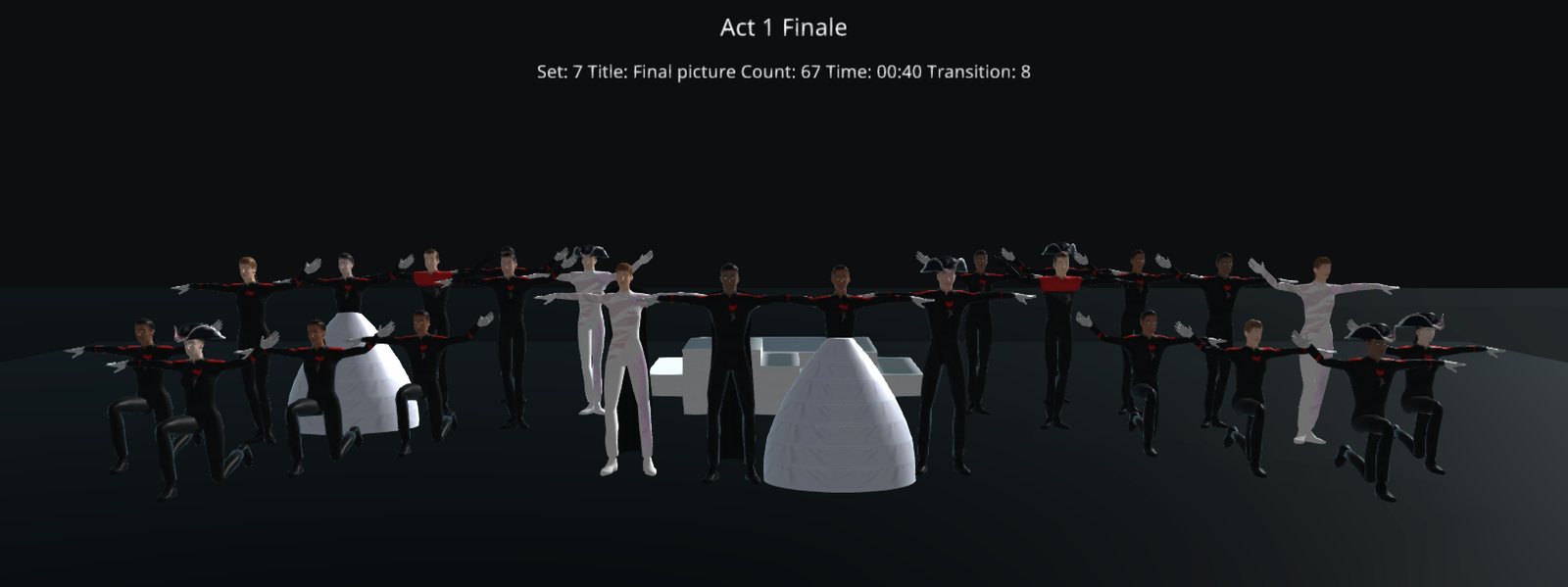
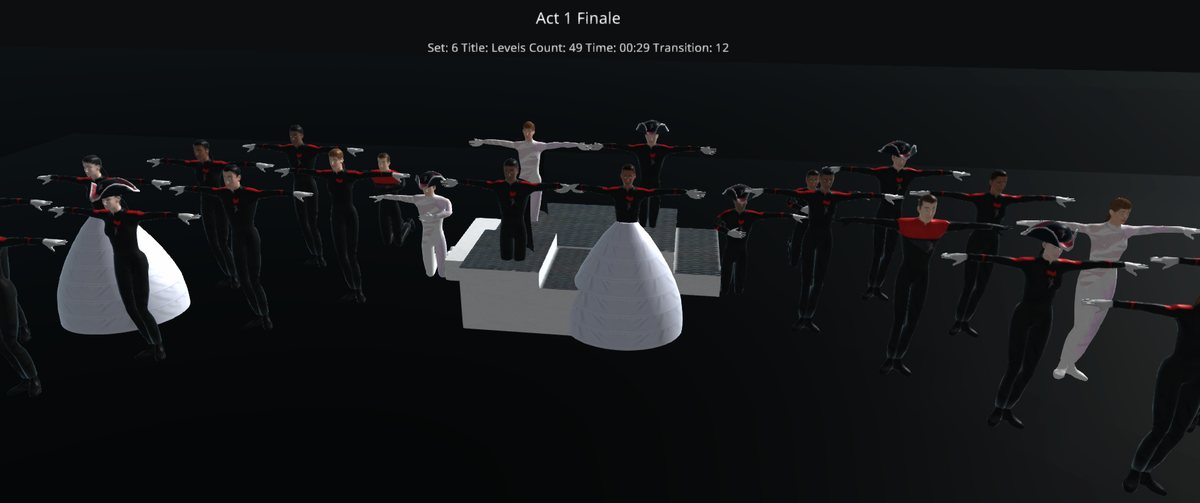
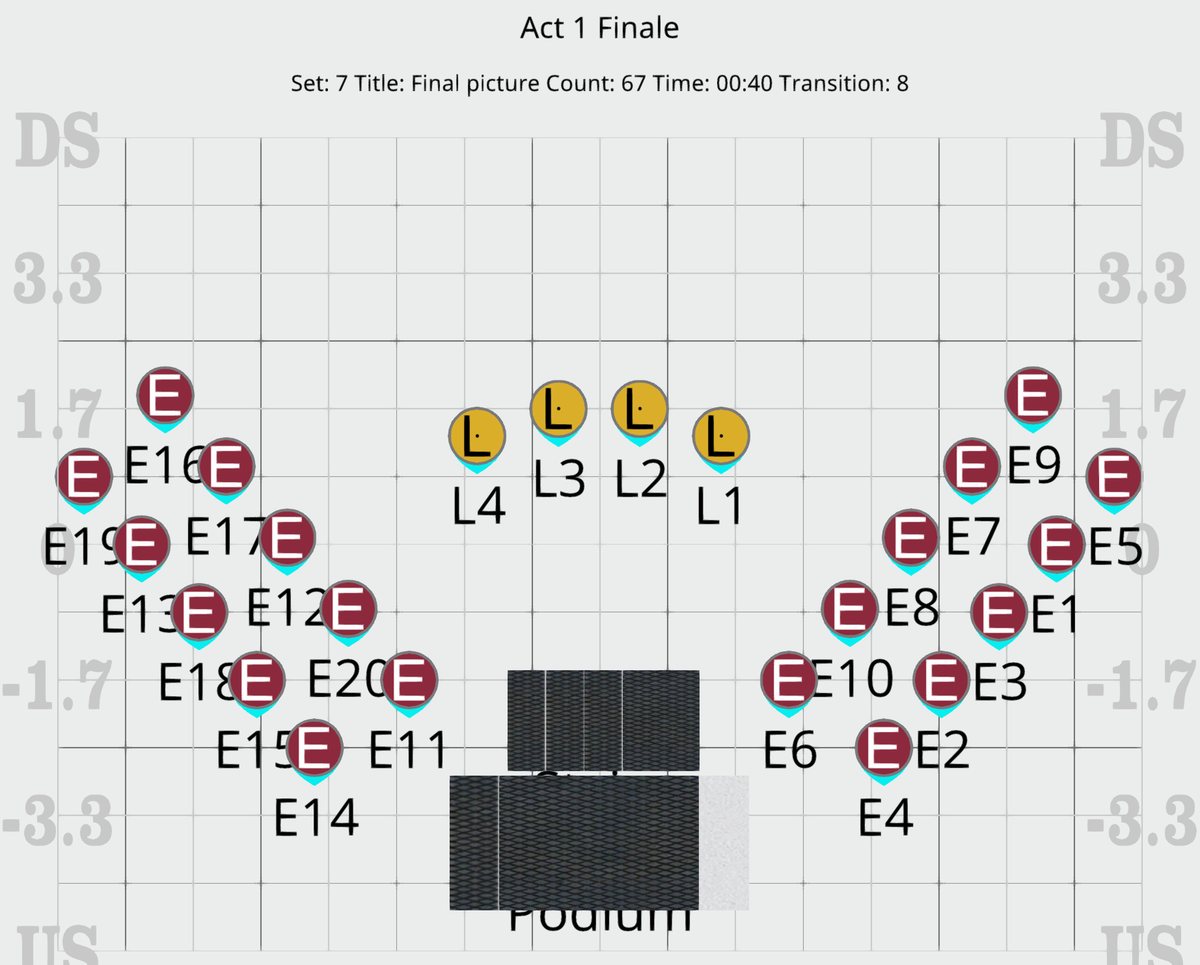
We wrote this scene in Pyware 3DX for this page: 24 performers (4 leads and a 20-person ensemble) on a 40 x 30 ft stage. The cast moves from scene to scene and builds through seven sets to a final picture around a podium and stairs, with the leads downstage centre.
Small Ensembles fits most groups.
Small Ensembles is made for winter guard, indoor, dance and cheer groups and small bands of up to 100 performers, written by one person. You pay for the size of your group, and you get the same drawing and editing tools as Essential.
Writing for more than 100 performers, or sharing the work with a design staff? Essential and Platinum have unlimited performers, and Platinum runs on 3 devices at once.
Small Ensembles Edition
- Up to 100 performers, priced by group size
- New Drill Wizard, Sketch mode and Grid Designer
- 3D view, screen recording, music sync and printing
- Export to UDB
- Windows, Mac, iOS and Android
A real person, whenever the show needs one.
The same Texas team that writes Pyware answers your call and your chat, late at night, on weekends and in the busiest weeks of the season. When a fix needs hands on your computer, we meet you in a remote session. Need to get started fast? Join a training session or open the 3DX User Guide.
“The good folks at Pyware are ALWAYS around, and ALWAYS helpful. I’ve had drill ‘emergencies’ at midnight on a Sunday that were resolved because these guys were available on social media or by a phone call.”
“The Pyware team has created a culture of customer service that is second to none. I use Pyware every day, and am thankful to have such support.”
Ready to plan your next show?
See the editions and prices, or tell us about your group and we will help you pick the right one.
Pyware 3DX is also for