From the time you sit down and open up Pyware, to the time you finish your drill — we are here for you.
From start to finish.
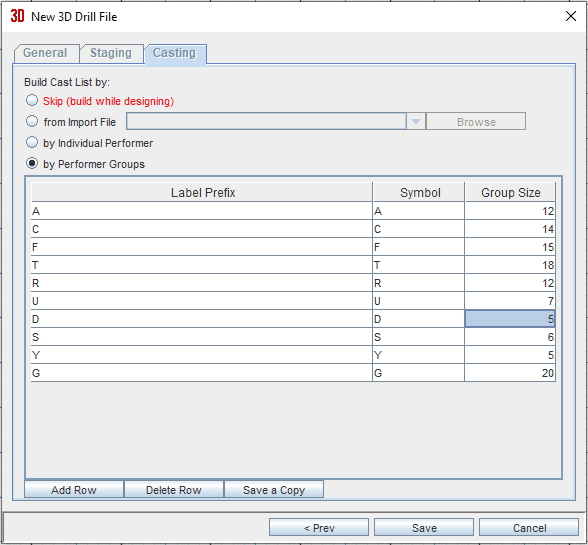
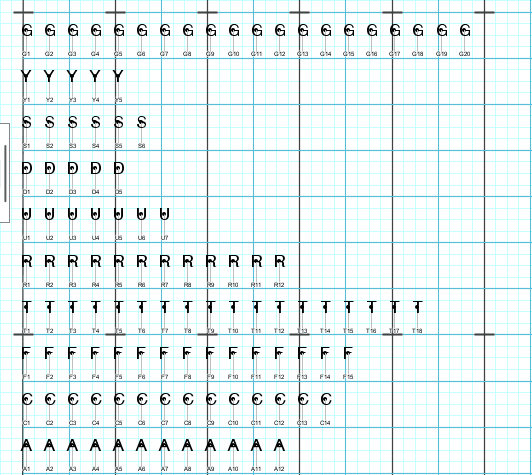
The Drill Wizard will navigate you through the steps of setting up your drill file — from arranging staging to building your cast list to placing performers.
Allow the wizard to quickly and seamlessly set your drill up for success.
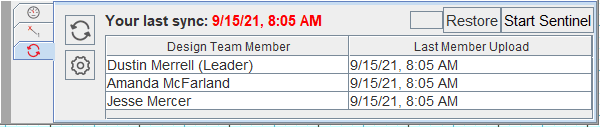
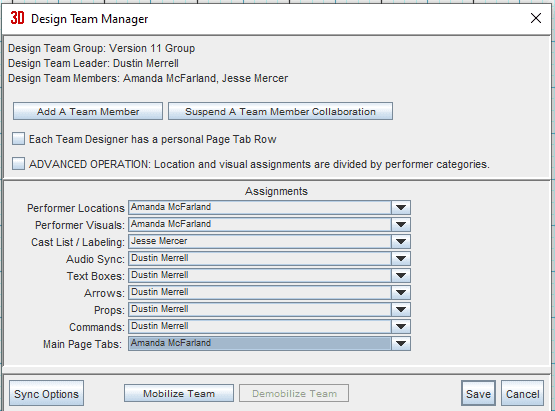
The Collaboration Function allows you to easily assemble a design team, make assignments for your members, and sync work with your team.
Working independently?
With this new Version 11 function, move your files as expediently as ever. Transfer work from your office computer to your home device in a push of a button.
All finished?
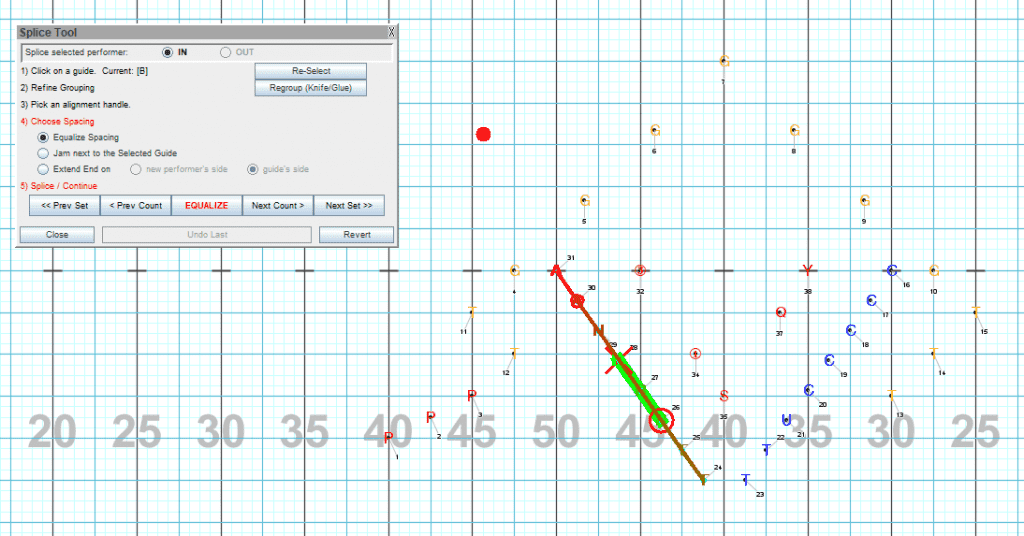
Easily splice performers into and out of a completed drill with the Splice Tool. This feature is guaranteed to accelerate your re-write process, immensely.
The Pyware Team would also like to commend Michigan State University’s marching band for the beautiful 9/11 tribute they performed over the weekend. The Spartan Marching Band’s powerful performance paid homage to the courageous heroes of that tragic day and to the men and women who lost their lives.
Drill Design by Rob Abend
https://https://www.youtube.com/watch?v=6TYuGXgI3GU